Monitor your SunPower system
from anywhere.
Bring your offline SunPower
system back to life.
The Sunflower Bridge plugs into any wall outlet and automatically logs your SunPower system's solar data every 30 minutes — building the continuous history that reveals patterns and catches issues before they cost you.
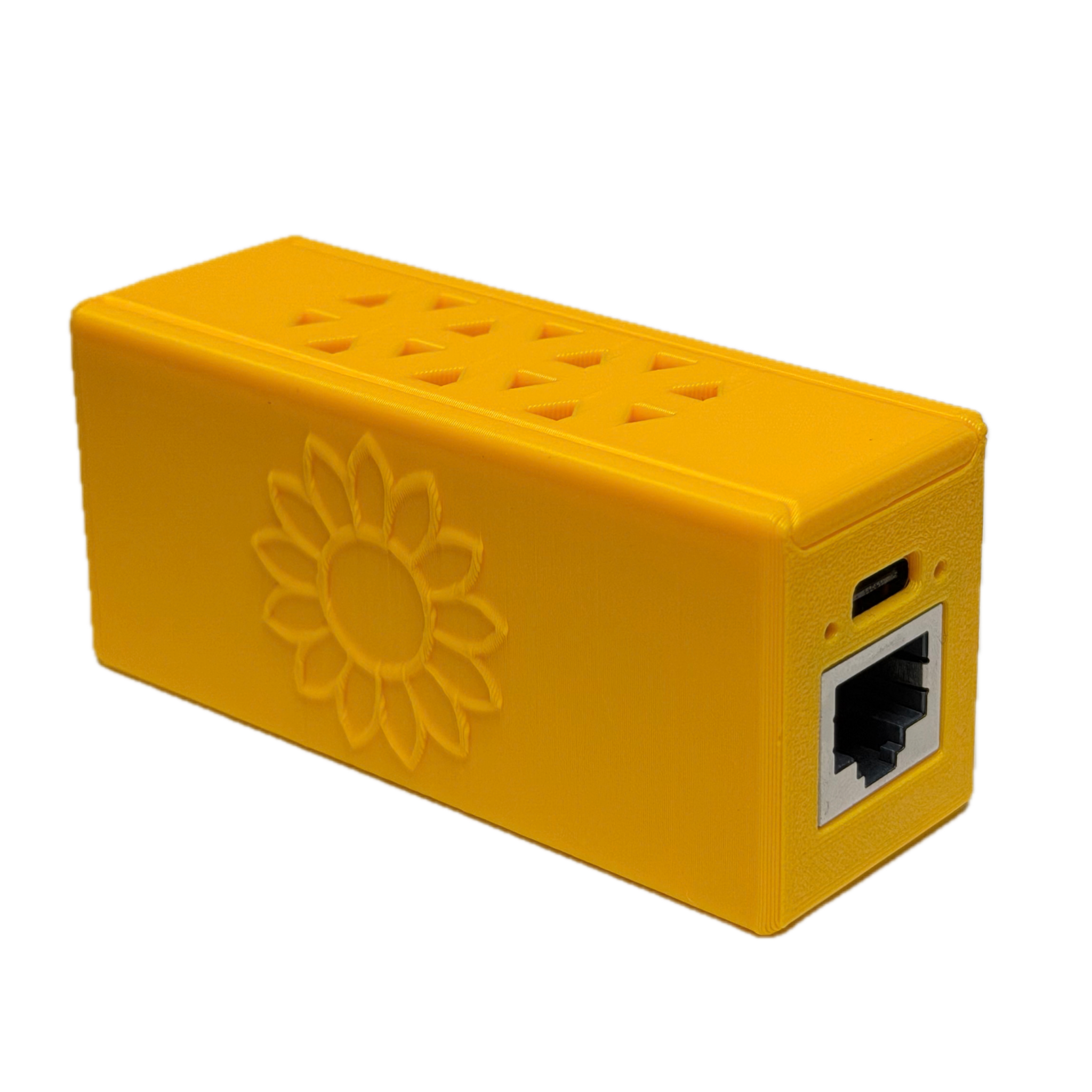
PVS won't connect to Wi-Fi? No problem. The Ethernet Edition is built for SunPower systems that can't stay on Wi-Fi or struggle with wireless connections. A direct, hardwired link to your PVS reliably pulls your generation data and syncs it to the cloud every 30 minutes — so you get clear, up-to-date insights anytime, anywhere.
Built for SunPower · Requires PVS5 or PVS6
30-day returns · $5 return processing fee applies
The difference Bridge makes
The app works great on its own. The Bridge changes what's possible.
- App fetches data when you open it — updates are less frequent
- Great for a high-level overview and live state of your system
- No history charts — sparse insights that depend on how often you check the app
- Automatically logs a panel-by-panel snapshot every 30 minutes, around the clock
- Builds a dense, continuous history that unlocks deep analysis
- Subtle issues surface in the data before they cost you
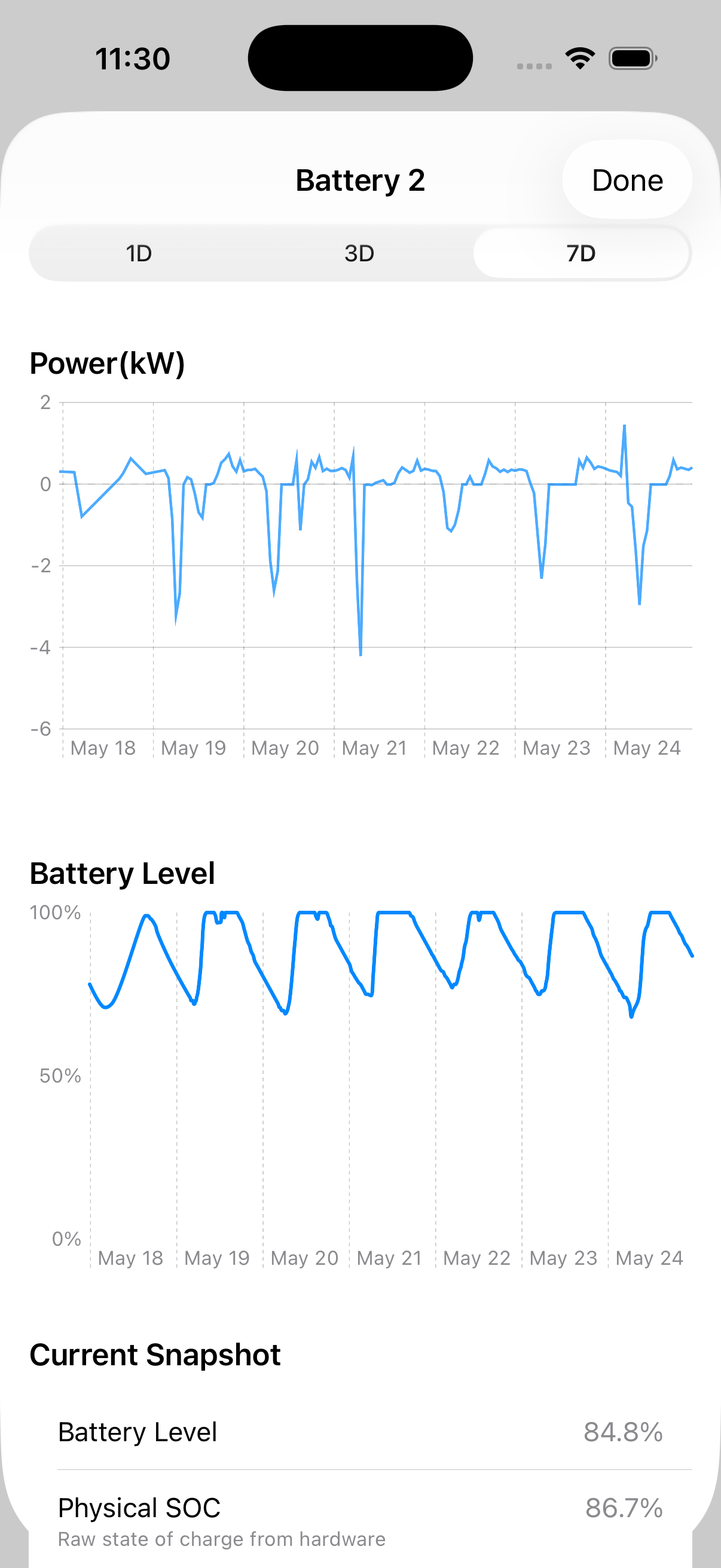
- Full History charts — day, month, year — always up to date
Watch your whole system across time
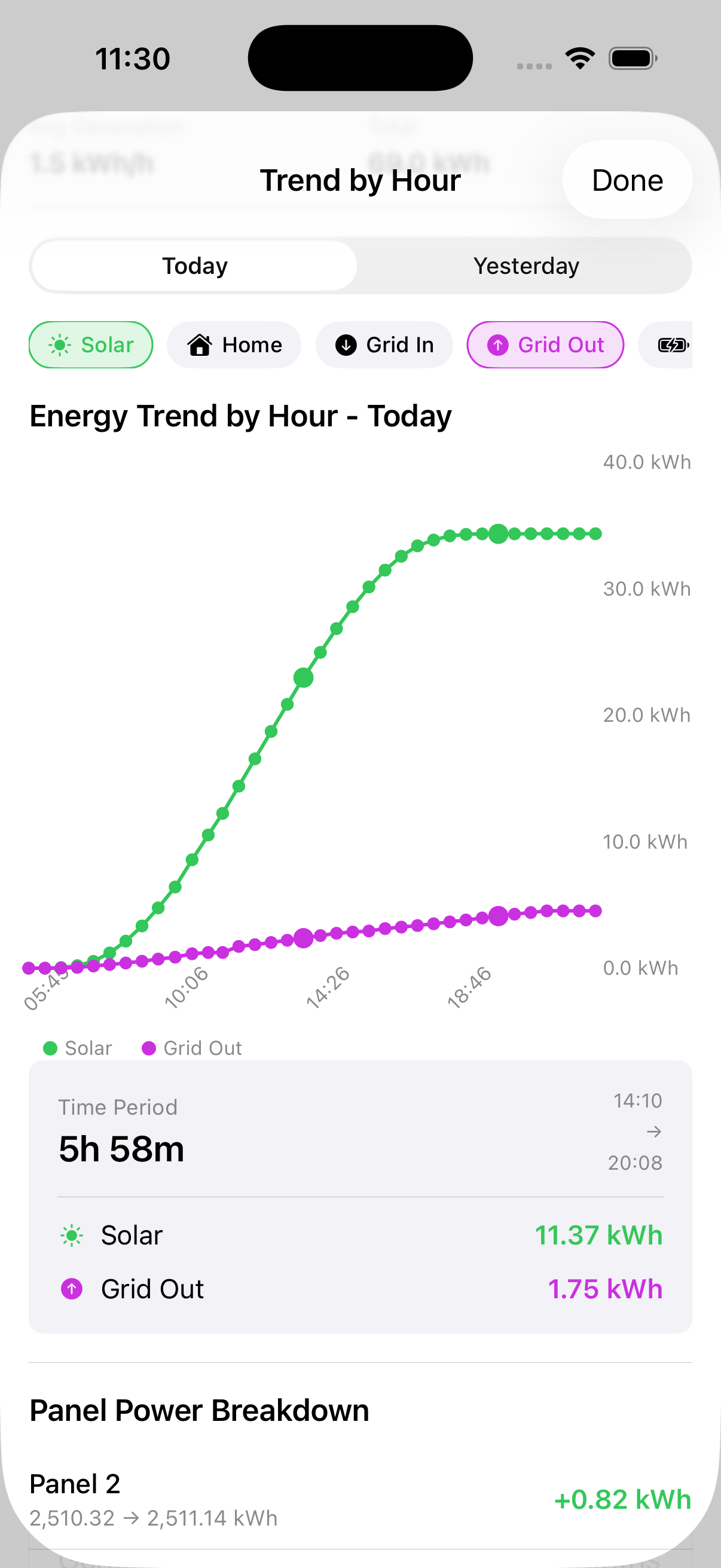
Because the Bridge logs every panel every 30 minutes, Sunflower can play back your system as a time-lapse — showing how output shifts hour by hour, day by day.
Shading patterns, seasonal shifts, and emerging failures show up clearly in the sweep of data. That kind of visibility is only possible with continuous logging.
Everything you already have — made richer
Bridge doesn't add new apps or accounts. It supercharges the views you already use with 30-minute data density.
Setup in a few minutes
The Sunflower app walks you through every step. No tools, no installer visit.
- 1
Start in the Sunflower app
Open the app, tap "Pair Sunflower Bridge," and follow the step-by-step setup. Hold off on powering up your Bridge until the app asks — Bluetooth pairing opens for a few minutes after power-on.
- 2
Your Bridge, ready to go
Here's what a finished setup looks like for each edition.
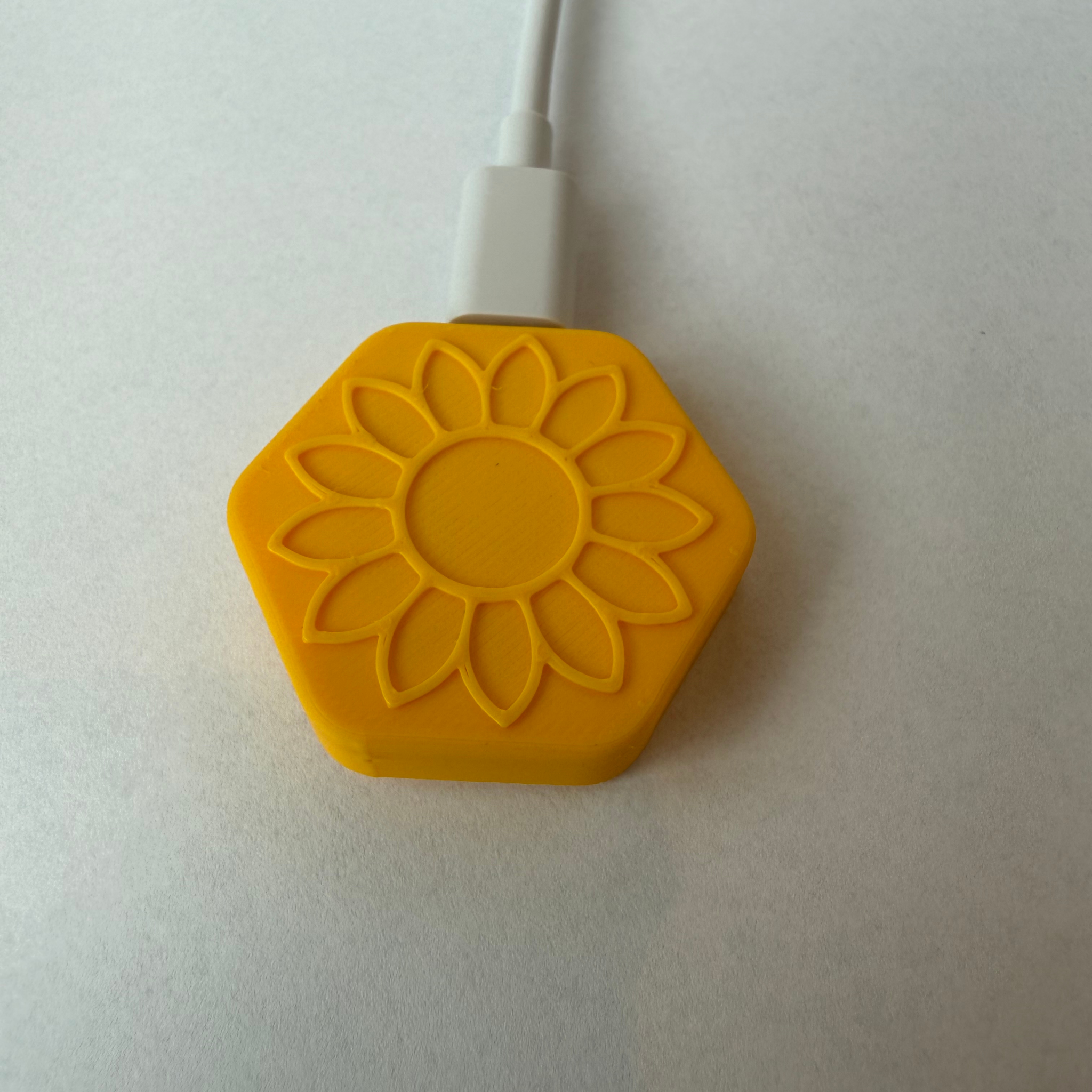
Standard Selected - Plugged into stable 5V USB-C power
- Connected to your home Wi-Fi through the Sunflower app
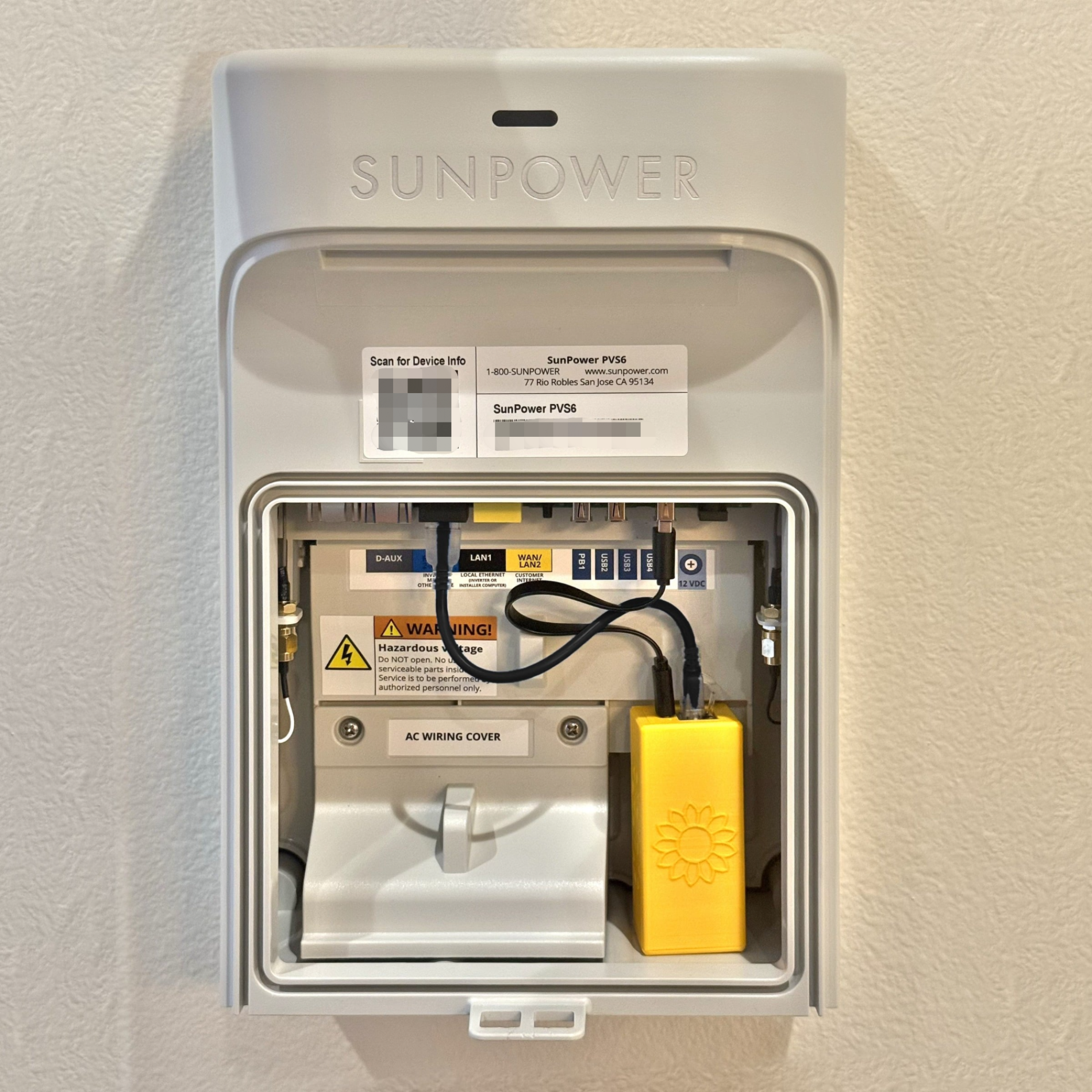
Ethernet Edition Selected - Ethernet cable connected to your PVS's LAN1 port
- USB power cable connected to your PVS's USB port
- Connected to your home Wi-Fi through the Sunflower app
- 3
Monitor from anywhere
Your Bridge starts syncing every 30 minutes. Check in from across the house or across the world.
Compatibility & requirements
Not sure if your system is compatible? Download the free Sunflower app — setup takes a minute and you'll know right away.

- 30-minute cloud sync
- Remote access from anywhere
- 24/7 automated monitoring
- Full History charts
- Works even when your PVS can't stay on Wi-Fi
- Hardwired link to your PVS
- Ethernet and USB power cables included
- 30-minute cloud sync
- Remote access from anywhere