Contact & Support
We'd love to hear from you — whether it's a bug, a question, or a suggestion.
Report or Feedback in the App
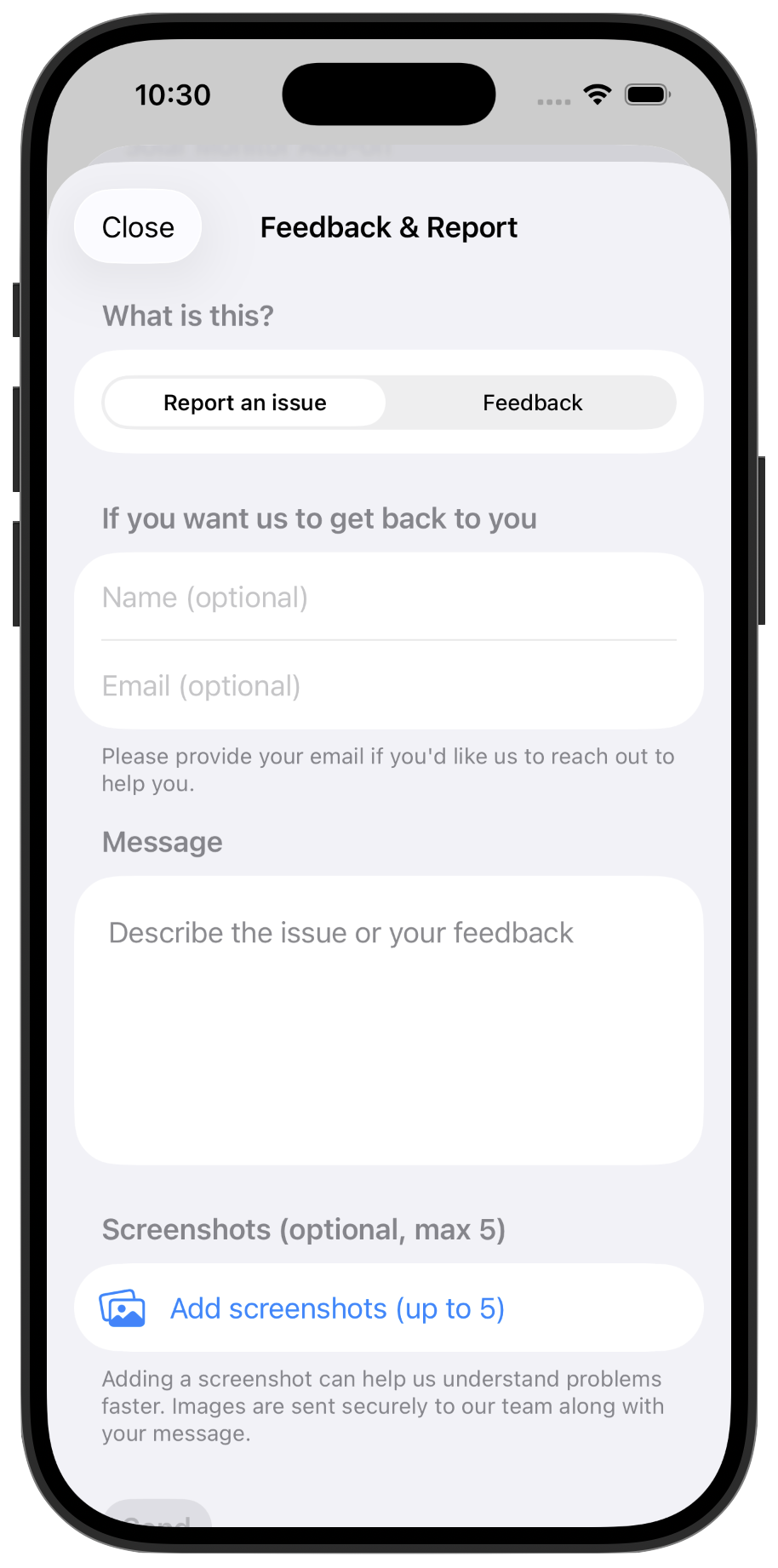
The fastest way to reach us. Open Sunflower, tap Report an Issue or Feedback, describe what's happening, and optionally attach screenshots. Your message goes straight to our team.
You can find it in the top-right menu from the app, under Support → Feedback & Report.
Email Us
Prefer email? Write to us any time and we'll get back to you as soon as we can.
[email protected]